
The SMB AI Adoption Gap Gets a Direct Response
Enterprise software buyers — large corporations with dedicated IT departments and six-figure AI budgets — have been the primary audience for enterprise AI products since 2023. The resulting wave of products: complex to configure, priced for volume, and designed for organizations with data governance teams and integration engineers. For the average small business owner managing payroll, customer outreach, and inventory simultaneously, the AI tools built for enterprises are practically inaccessible — not because of price alone, but because deployment requires expertise the SMB simply does not have on staff.
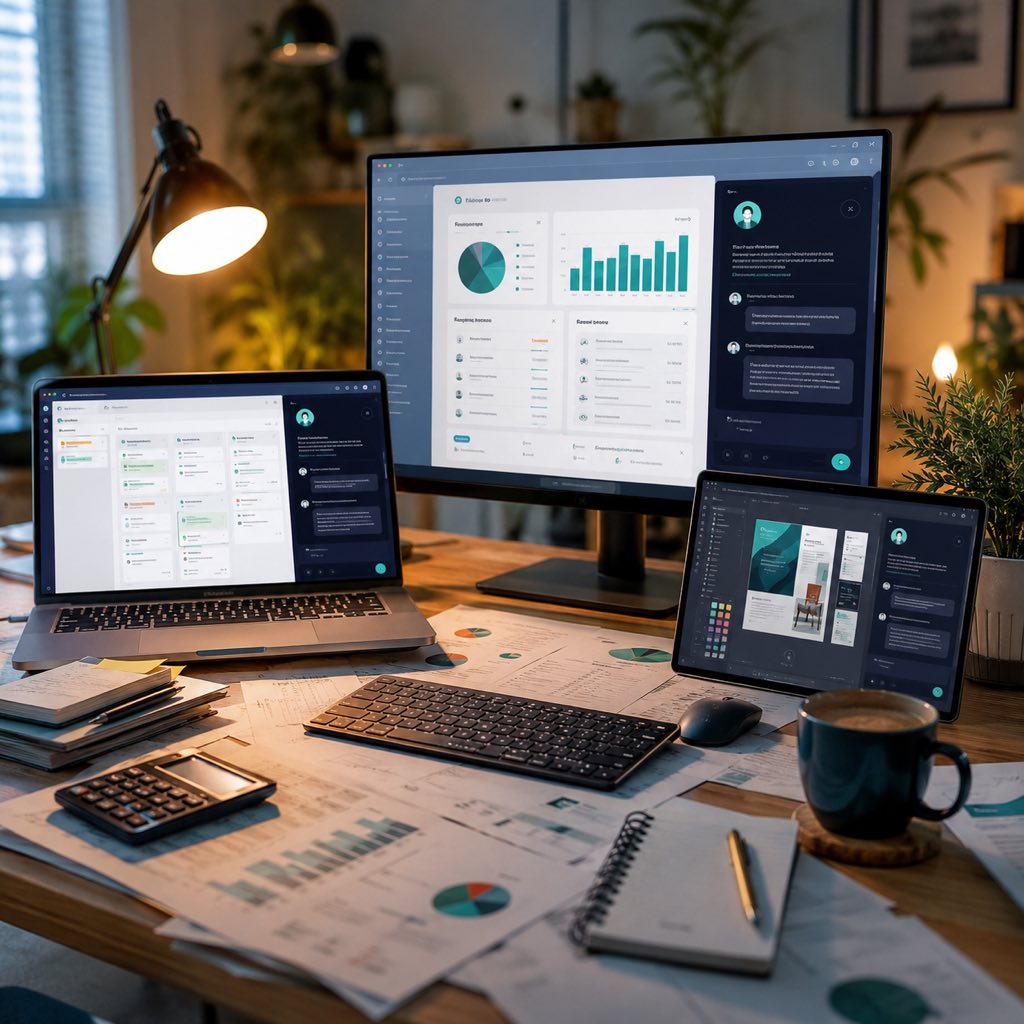
Anthropic’s answer, launched May 13, 2026, is Claude for Small Business — a product designed from the ground up to work within the software stack SMBs already run. Rather than asking a small business to adopt a new AI platform and integrate it with existing tools, Claude for Small Business meets the owner where their work already lives: inside QuickBooks, inside HubSpot, inside Canva, inside DocuSign. The AI is the layer that connects these applications, executes tasks across them, and presents results in the interfaces operators already know.
The scale of the target market justifies the product investment. According to Anthropic’s own survey cited at launch, small businesses represent 44% of U.S. GDP and employ nearly half the private-sector workforce. Yet 50% of small business owners cited data security as their primary concern about AI — a finding that explains why Anthropic’s messaging emphasizes that user approval is required before any action executes, and that Claude operates within the existing permission structures of each connected application.
What 15 Workflows Actually Do
The launch includes 15 pre-built agentic workflows grouped across six functional categories. These are not chatbot templates — they are multi-step action sequences that cross application boundaries. Understanding what they do concretely is more useful than the category list.
In finance, the monthly close reconciliation workflow connects to QuickBooks, pulls transaction data, identifies unreconciled items, and drafts a reconciliation report with flagged discrepancies for owner review — a task that typically takes a bookkeeper three to five hours per month and is often delayed or skipped by small businesses without dedicated accounting staff. The payroll planning workflow pulls headcount data, applies tax rate lookups, and generates a payroll projection — again, for human review and approval before any action.
In sales and marketing, the HubSpot campaign management workflow drafts outreach sequences based on contact segment criteria, generates Canva creative assets aligned to the campaign brief, and schedules deployment — compressing a task that previously required a marketing coordinator, a designer, and a copywriter into a single approval workflow. In customer service, the workflow monitors incoming HubSpot tickets, drafts responses based on a business’s defined FAQ and tone guidelines, and queues them for human approval before sending.
The DocuSign integration covers contract drafting and signature workflow management — generating standard contract templates from a business description, routing them for signature, and tracking completion status. For small businesses that use freelancers or service subcontractors regularly, this addresses a genuine administrative pain point that often either consumes owner time or falls through the cracks.
Advertisement
What Founders and SMB Operators Should Do About It
1. Map Your Weekly Administrative Hours Before Selecting Workflows
The most common mistake SMB owners make when adopting any AI tool is selecting features based on their perceived novelty rather than their actual time cost. Before enabling any Claude for Small Business workflow, spend 30 minutes auditing your last two weeks: which administrative tasks consumed more than one hour per week? Which ones were delayed or incomplete because you ran out of time? Which ones involve moving data between two applications you already use?
This audit will almost always surface two or three specific pain points. For a five-person services firm, it might be monthly invoice reconciliation and client proposal generation. For a retail SMB, it might be inventory reporting and social media scheduling. Match those specific bottlenecks to the 15 available workflows rather than starting with the most complex multi-step workflow the product offers. The monthly close reconciliation and campaign management workflows both address high-frequency pain points that most SMBs share — they are the natural starting point for the majority of operators.
The payback math is straightforward. If a workflow saves three hours per week of owner or staff time, and that time is valued at a modest rate, the monthly value recovered often exceeds the tool’s subscription cost in the first week. Anthropic’s partnership with PayPal to offer a free “AI Fluency for Small Business” online course (launching alongside the product) provides the conceptual grounding to make this calculation honestly rather than optimistically.
2. Treat the Permission Layer as a Feature, Not a Friction Point
Every workflow in Claude for Small Business requires explicit user approval before actions execute. This design choice — which Anthropic highlighted prominently in the launch — reflects a real tension in agentic AI deployment: the more autonomous the system, the more valuable it is, but also the higher the risk of an unwanted action causing operational damage. For a small business where one erroneous transaction, one incorrectly sent email, or one mistakenly signed contract can have outsized consequences, the approval gate is a feature.
The practical implication is that the first two to four weeks of using any new workflow should be treated as a calibration period. Review every action the system proposes before approving it. Note the cases where the proposal is correct and those where it needs adjustment. This feedback loop — which Claude’s system architecture is designed to learn from — improves workflow precision over time. SMBs that skip the calibration period and simply auto-approve all proposals are increasing their risk exposure rather than reducing it.
The existing permission structures maintained across connected tools — Claude operates within the same access controls set in QuickBooks, HubSpot, and other applications — means the AI cannot take actions the human operator could not take. This is a meaningful security boundary: the AI cannot create a vendor payment in QuickBooks if the user does not have that permission in QuickBooks. For SMBs concerned about data security (50% of those surveyed, per Anthropic’s own data), this architecture boundary is worth understanding explicitly.
3. Use the SMB Tour to Run a Live Pilot Before Committing
Anthropic launched a multi-city SMB Tour alongside the product, beginning May 14, 2026, offering hands-on workshops for small business owners. These sessions provide direct access to product specialists who can configure workflows for specific business types — a resource that most AI product launches do not offer. If a tour session is accessible, attend before purchasing. The workflow configuration choices that matter most — which data fields the system reads, how the approval queue is surfaced, what tone guidelines govern outreach drafts — are far clearer in a hands-on session than in product documentation.
The partnership with community development financial institutions (CDFIs) and nonprofits supporting entrepreneurs suggests that Anthropic is intentionally extending access to SMBs that operate below the typical SaaS subscription income threshold. This is strategically significant: if the product reaches underserved small business communities as intended, the aggregate productivity impact could be substantially larger than enterprise AI deployments have achieved, because the baseline efficiency gap is wider.
For SMBs that cannot attend a tour session, the free AI Fluency course with PayPal is the recommended starting point. It provides enough conceptual grounding to evaluate the 15 workflows against specific business needs without requiring technical background — and it is explicitly designed for owners who are AI-skeptical or AI-unfamiliar.
The Bigger Picture: When AI Becomes Infrastructure
Claude for Small Business represents a specific architectural bet: that the highest-value AI deployment for SMBs is not a standalone chatbot or a new application, but an intelligence layer woven into existing software. This is distinct from the “AI-native” product hypothesis — building entirely new applications designed around AI from the ground up. Both hypotheses are being tested in the market simultaneously.
The embedded-intelligence approach that Claude for Small Business embodies has a structural advantage for SMB adoption: it reduces the behavior change required. A small business owner who already opens QuickBooks on Monday morning does not need to develop a new habit to use a QuickBooks-integrated AI workflow — the workflow appears where the work already happens. Behavior change is the primary reason that most productivity tools, AI-powered or not, fail in SMB contexts: the tool is adopted enthusiastically for two weeks, then abandoned when it requires a context switch the owner does not have time for.
Whether this architectural advantage translates into sustained usage — and meaningful productivity gains at the scale that would justify Anthropic’s investment — will become measurable over the next 12 months. The metrics to watch are workflow activation rate (what percentage of Claude for Small Business subscribers enable more than three workflows), approval-to-auto-approval conversion (how quickly users develop enough trust to reduce manual review), and churn rate in the six-to-twelve month window. These will tell us whether embedded agentic AI has genuinely solved the SMB adoption problem, or has simply relocated it.
Frequently Asked Questions
What applications does Claude for Small Business integrate with at launch?
The May 13, 2026 launch includes integrations with Intuit QuickBooks, PayPal, HubSpot, Canva, DocuSign, Google Workspace, and Microsoft 365 — covering finance, sales, marketing, document management, and productivity. Anthropic also announced a free AI Fluency for Small Business online course developed in partnership with PayPal, and a multi-city SMB Tour with hands-on workshops starting May 14, 2026.
Does Claude for Small Business take actions automatically, or does it ask for approval?
Every workflow requires user approval before executing actions. Claude for Small Business is designed so that the AI proposes and prepares actions — drafting a payroll projection, queuing a campaign email, generating a contract template — and the owner reviews and approves before anything is sent, signed, or processed. The system also operates within existing permission structures, meaning it cannot take actions in QuickBooks or HubSpot that the user does not have permission to take manually.
How does Claude for Small Business compare to using ChatGPT or other AI tools?
The key difference is integration depth. General-purpose tools like ChatGPT or Gemini can draft text and answer questions but require the user to manually copy outputs into QuickBooks, HubSpot, or Canva. Claude for Small Business connects directly to these applications and executes multi-step workflows across them — pulling QuickBooks data, generating a Canva asset, and scheduling a HubSpot campaign in a single flow. The tradeoff is that it is limited to the 15 pre-built workflows at launch, while general-purpose tools are more flexible.
Sources & Further Reading
🔗 Related Intelligence

Claude Opus 4.7 Lands: Anthropic’s Bet on Long-Running Agent Workflows

The Rise of AI Agents: How Autonomous Software Is Changing Work

Multi-Agent AI in Production: Enterprise Patterns, Trust Gaps, and Deployment Realities

AI Agents: The Complete Intelligence Hub