

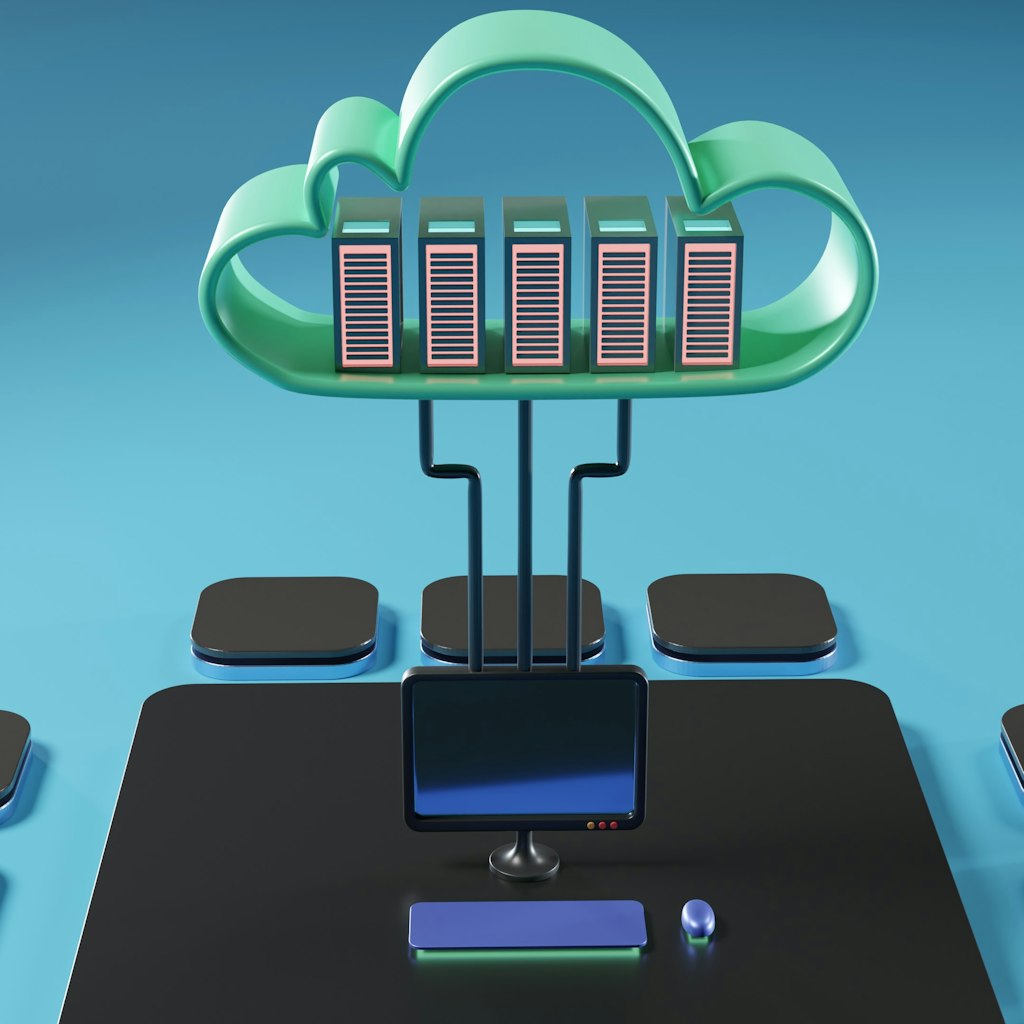
AI agents are not one thing. They are splitting into two fundamentally different architectural patterns, and most developers are only seeing one half of the picture.
The first pattern is the local coding agent. Claude Code, Cursor, Windsurf, GitHub Copilot CLI — these are AI agents that run on a developer’s machine, have access to the local filesystem, and augment a single user’s workflow. They are interactive, session-based, and deeply personal. The developer types a prompt, the agent does work, the developer reviews and iterates.
The second pattern is the cloud agentic service. OpenAI’s Codex spins up isolated sandboxes for each task. Cursor’s Cloud Agents, launched in February 2026, run on dedicated virtual machines that build software, test it, and deliver merge-ready pull requests with video demos. GitHub Copilot’s coding agent, generally available since September 2025, operates asynchronously in cloud environments powered by GitHub Actions. These are AI-powered services deployed in the cloud that process requests programmatically — handling development tasks, analyzing documents, orchestrating workflows. They are autonomous, API-driven, and multi-tenant.
These two patterns share the same underlying technology — large language models making tool calls — but almost everything else about them differs. The tools they use, the authentication they need, the infrastructure they run on, and the extensibility mechanisms that make sense for each are fundamentally different. Understanding this divergence is critical for anyone building agent systems, because patterns that work brilliantly in one context fail completely in the other.
The Local Agent Pattern
A local coding agent runs on a developer’s machine. It has direct access to the filesystem — code, documents, configuration files, scripts. It runs in the context of a single user’s session, with that user’s credentials, permissions, and environment.
How Local Agents Extend Their Capabilities
Local agents rely on three extension mechanisms:
Skills (markdown instruction files) — Local text files that encode procedures, domain knowledge, and specialized instructions. The agent reads these from disk and absorbs their contents into its context window. A two-layer architecture is emerging in production AI systems: skills handle knowledge and behavioral guidance, while tool protocols handle execution. According to analysis from The New Stack, this separation can reduce token costs dramatically compared to encoding all instructions as tool definitions. Microsoft has published an open skills repository on GitHub, and community registries now index thousands of reusable skill files.
CLI tools and scripts — The agent can execute command-line tools that the developer has installed and authenticated. Git, cloud provider CLIs, package managers, build tools, linters — the entire local development toolkit is available. These tools use the developer’s existing credentials, so there is no additional authentication to configure. GitHub Copilot CLI, which became generally available in February 2026, exemplifies this pattern — a terminal-native agent that plans, builds, reviews, and remembers across sessions without leaving the command line.
MCP servers (optional) — Local agents can connect to Model Context Protocol servers for accessing remote services, but in practice many local use cases are fully served by skills and CLI tools. MCP becomes relevant when the agent needs structured access to remote data sources or APIs without CLI equivalents.
Why This Pattern Dominates Developer Workflows
The local pattern is simple and powerful because it piggybacks on existing infrastructure. The developer’s machine already has credentials configured, tools installed, and files organized. The agent just needs to read files and execute commands — things that operating systems have supported for decades.
This simplicity explains the rapid adoption of local coding agents. Windsurf’s Cascade engine indexes the entire local codebase and maintains persistent memory of project architecture and coding conventions. Claude Code reads project files and executes commands directly. There is no deployment step, no infrastructure to provision, no authentication to configure beyond what the developer already has.
Security also drives local preference. Entrusting a professional codebase to a third-party cloud service is a strategic risk that many organizations are unwilling to accept. Local execution keeps code on the developer’s machine, with only API calls to the LLM provider leaving the network boundary.
The Cloud Agent Pattern
A cloud agentic service is a different animal entirely. It runs on a server — a container, a serverless function, a VM in the cloud. It has no local filesystem in any meaningful sense. It processes requests from many users, each with their own permissions and data. It runs autonomously, without a human guiding each step.
The cloud pattern is maturing rapidly. Cursor’s Cloud Agents run on isolated virtual machines, and according to the company, 30% of Cursor’s own merged pull requests are now created by these agents. OpenAI’s Codex operates in secure, isolated containers with internet access disabled during execution, limiting interaction solely to the code provided via repositories. GitHub Copilot’s coding agent handles low-to-medium complexity tasks asynchronously in cloud development environments.
How Cloud Agents Extend Their Capabilities
Cloud agents need fundamentally different extension mechanisms:
MCP servers — The primary way cloud agents access external tools and data. The Model Context Protocol provides standardized discovery and invocation of external services over the network. Unlike local agents, cloud agents cannot shell out to CLI tools — they need network-accessible services with proper authentication and structured interfaces.
OAuth 2.1 authentication — Cloud agents serve multiple users, each with their own accounts and permissions. The MCP specification, updated in its 2025-11-25 stable release, classifies MCP servers as OAuth 2.1 Resource Servers. This mandates per-user authentication with PKCE for all clients, so each user’s requests are processed with their own credentials. Clients must implement Resource Indicators (RFC 8707) to prevent token theft by malicious servers.
Stateful session management — Cloud agents often need to maintain state across multiple interactions. A customer support agent needs conversation context. A document analysis agent needs to track processing state. This requires explicit session infrastructure — databases, caches, queued workflows — that local agents handle implicitly through their interactive terminal sessions.
Why the Local Playbook Fails Here
Consider what happens when you try to apply local agent patterns to a cloud service:
Skills as local files? There is no persistent local filesystem. The cloud agent runs in a container that may be destroyed and recreated at any time. Skills need to be bundled with the deployment or loaded from a registry — not read from a developer’s disk.
CLI tools with ambient credentials? There are no ambient credentials. The cloud agent serves many users, each needing their own authentication. A shared service account with broad permissions is a security liability. Per-user OAuth is the only responsible approach.
Interactive terminal sessions? There is no terminal. The cloud agent receives API requests and returns API responses. There is no human in the loop for each decision. The agent must be autonomous enough to handle requests without guidance, with automated retries, fallbacks, and error handling.
Five Dimensions of Divergence
1. Authentication
Local: The developer’s existing credentials — SSH keys, browser cookies, CLI tokens, environment variables — all configured once and used by everything on the machine, including the agent.
Cloud: OAuth 2.1 per user. Each request must be authenticated against the specific user’s permissions. The MCP specification’s built-in OAuth 2.1 support, with mandatory PKCE and Resource Indicators, was designed specifically for this multi-tenant pattern.
2. Data Access
Local: Direct filesystem access. The agent reads code, documents, and configuration directly from disk. Zero network latency. Windsurf indexes the full project using RAG over local files, building a persistent understanding of the codebase.
Cloud: Network-mediated access. Everything — databases, document stores, APIs, file storage — is accessed over the network through authenticated service calls. Every data access has latency, can fail, and must handle retries gracefully.
3. State Management
Local: Implicit. The terminal session maintains state. The developer sees conversation history. Files on disk persist between sessions. Windsurf’s memory system even learns project conventions autonomously over time.
Cloud: Explicit. State must be stored in databases or caches. Sessions must be tracked. Conversation history must be persisted. None of this happens automatically. As Red Hat’s engineering guidance on agentic AI emphasizes, designing for stateless operation with external state stores is essential for reliable cloud agent workflows.
4. Extensibility
Local: Skills (files) + CLI tools (executables) + optional MCP. The extension model is filesystem-native. A developer can write a markdown file with deployment instructions and the agent follows them immediately.
Cloud: MCP (network protocol) + custom API integrations. The extension model is network-native. Streamable HTTP transport, introduced in early 2025, makes MCP servers deployable as serverless functions, reducing the infrastructure burden.
5. Error Handling
Local: The developer is in the loop. When something goes wrong, the agent can ask for help, and the developer can intervene immediately. This makes local agents forgiving of imprecise instructions.
Cloud: The agent is on its own. Error handling must be automated — retries, fallbacks, circuit breakers, dead-letter queues. As Deloitte’s 2026 agentic AI research notes, only 11% of organizations are actively using agentic AI in production, partly because building robust autonomous error handling remains difficult. There is no human to ask for clarification when a request fails at 3 AM.
Advertisement
The Overlap Zone: Where Skills Meet MCP
There is one area where skills and MCP genuinely overlap: local CLI tools. A developer who needs their coding agent to deploy to a cloud provider can either write a skill with a bash script that calls the provider’s CLI, or connect to an MCP server that wraps the provider’s API.
For a single developer on a local machine, these produce the same result. The skill approach is simpler — no server to run, no protocol overhead. This substitution is why some developers see skills as an MCP replacement.
But extend the scenario to a team of ten developers, each running their own agent, all needing to deploy with proper access controls — and the MCP approach becomes clearly superior. A centralized MCP server can enforce permissions, audit actions, and manage credentials in one place. The script-in-a-skill approach gives each developer full unscoped access through their personal credentials, with no centralized governance.
The overlap exists only in the local single-agent case. As soon as you need multi-agent coordination, multi-user authentication, or centralized governance, MCP is the only viable path. Google’s eight multi-agent design patterns, published in early 2026, all assume network-accessible tool interfaces — not local file-based instructions.
The Convergence Ahead
Despite these differences, the two patterns are moving toward each other:
Background agents blur the line. Claude Code’s headless mode runs locally but operates autonomously — no human in the loop for each step. Cursor’s Cloud Agents and GitHub Copilot’s coding agent run in the cloud but are triggered by individual developers. The boundary between local and cloud is becoming less about where the agent runs and more about who it serves.
Skills are becoming distributable. The concept of structured instructions plus reference files is not inherently local. Microsoft’s open skills repository and community registries are making skills shareable across teams and agents. Anthropic has released a Python SDK for consuming skills programmatically, enabling cloud agents to benefit from skill-based knowledge without filesystem access.
MCP is becoming lighter. Streamable HTTP transport makes MCP servers deployable as serverless functions, reducing infrastructure to a single HTTP endpoint. This makes MCP viable even for lightweight integrations where running a persistent server was previously impractical.
Multi-agent orchestration is emerging. Gartner reported a 1,445% surge in multi-agent system inquiries from Q1 2024 to Q2 2025. The plan-and-execute pattern — where a capable model creates a strategy and cheaper models execute individual steps — is being adopted in production, with some teams reporting significant cost reductions. Both local and cloud agents participate in these orchestrated workflows.
Practical Guidance
Build a Local Agent When:
- You are augmenting a single developer’s workflow
- The agent needs direct filesystem access to code and configuration
- Interactive, human-in-the-loop operation is acceptable or desired
- Existing CLI tools and credentials can be leveraged
- Code security requires keeping source on the developer’s machine
Build a Cloud Agent When:
- The agent serves multiple users concurrently
- Autonomous, API-driven operation is required around the clock
- Per-user authentication and authorization are necessary
- The agent must run 24/7 without human supervision
- Horizontal scaling across many parallel tasks is needed
Build Both When:
- Developers need coding agents (local) plus the product needs autonomous service agents (cloud)
- Domain knowledge encoded in skills can inform both patterns
- MCP servers can serve both local and cloud agents through the same protocol
- The organization wants local agents for development speed and cloud agents for production reliability
Conclusion
The split between local and cloud AI agents is not a temporary phase — it is a permanent architectural divergence driven by fundamentally different requirements. Local agents optimize for developer experience, leveraging the rich environment of files, tools, and credentials on a single machine. Cloud agents optimize for production operations, requiring network protocols, per-user authentication, and autonomous decision-making.
The most effective organizations will build both — local agents for developer productivity, cloud agents for production automation — sharing knowledge and capabilities between them through well-designed skills and MCP servers. The winners will be those who understand which pattern to apply where, rather than forcing one architecture to serve both needs.
Frequently Asked Questions
Can I convert a local coding agent into a cloud service?
Not directly. Local agents rely on filesystem access, ambient credentials, and interactive human guidance — none of which exist in a cloud environment. However, the domain knowledge encoded in local agent skills can be adapted for cloud agents. Microsoft’s skills repository and emerging skill registries are making this knowledge transfer easier. The same MCP servers can also serve both local and cloud agents. Think of it as shared knowledge with different delivery mechanisms, not a simple port from one environment to the other.
Why can’t cloud agents just use CLI tools like local agents do?
CLI tools rely on locally installed software and ambient credentials — a developer’s AWS CLI with their personal access key, for example. Cloud agents serve multiple users, each needing their own permissions. Running CLI tools with shared credentials in a multi-tenant service is a security vulnerability. The MCP specification addresses this with OAuth 2.1, mandatory PKCE, and Resource Indicators (RFC 8707), providing the per-user authentication that cloud agents require. Every tool invocation is scoped to the requesting user’s permissions.
Will local and cloud agent patterns eventually merge?
Partially. Background agents like Claude Code’s headless mode and Cursor’s Cloud Agents are already blurring the boundary. Cursor reports that 30% of its own PRs now come from cloud agents triggered by individual developers. But the fundamental differences — filesystem vs network, single-user vs multi-tenant, interactive vs autonomous — will keep the patterns architecturally distinct. What is converging is the knowledge layer: skills and MCP servers are becoming portable across both patterns, even as the execution environments remain separate.
Sources & Further Reading
- Model Context Protocol OAuth 2.1 Authorization Specification — Anthropic
- Claude Code Skills Documentation — Anthropic
- How MCP Uses Streamable HTTP for Real-Time AI Tool Interaction — The New Stack
- Skills vs MCP: Agent Architecture — The New Stack
- Cursor Cloud Agents: Autonomous Coding on Virtual Machines — TechCrunch
- GitHub Copilot: Meet the New Coding Agent — GitHub Blog
- Introducing Codex — OpenAI
- Agentic AI: Design Reliable Workflows Across the Hybrid Cloud — Red Hat
- Google’s Eight Essential Multi-Agent Design Patterns — InfoQ
- Agentic AI Strategy — Deloitte Tech Trends 2026
🔗 Related Intelligence
Agentic AI for Cloud Ops: When AI Agents Run Your Infrastructure

Agent Teams: How One Developer Runs Multiple AI Workers in Parallel

The Rise of AI Agents: How Autonomous Software Is Changing Work

From Agents to AI Operating Systems: The Next Layer of Computing